SMA: Desktop POS App for Stock Manager Advance
Native desktop app for Stock Manager Advance. It gives your counters a fast point of sale that works offline and prints straight to thermal printers, plus a customer display.
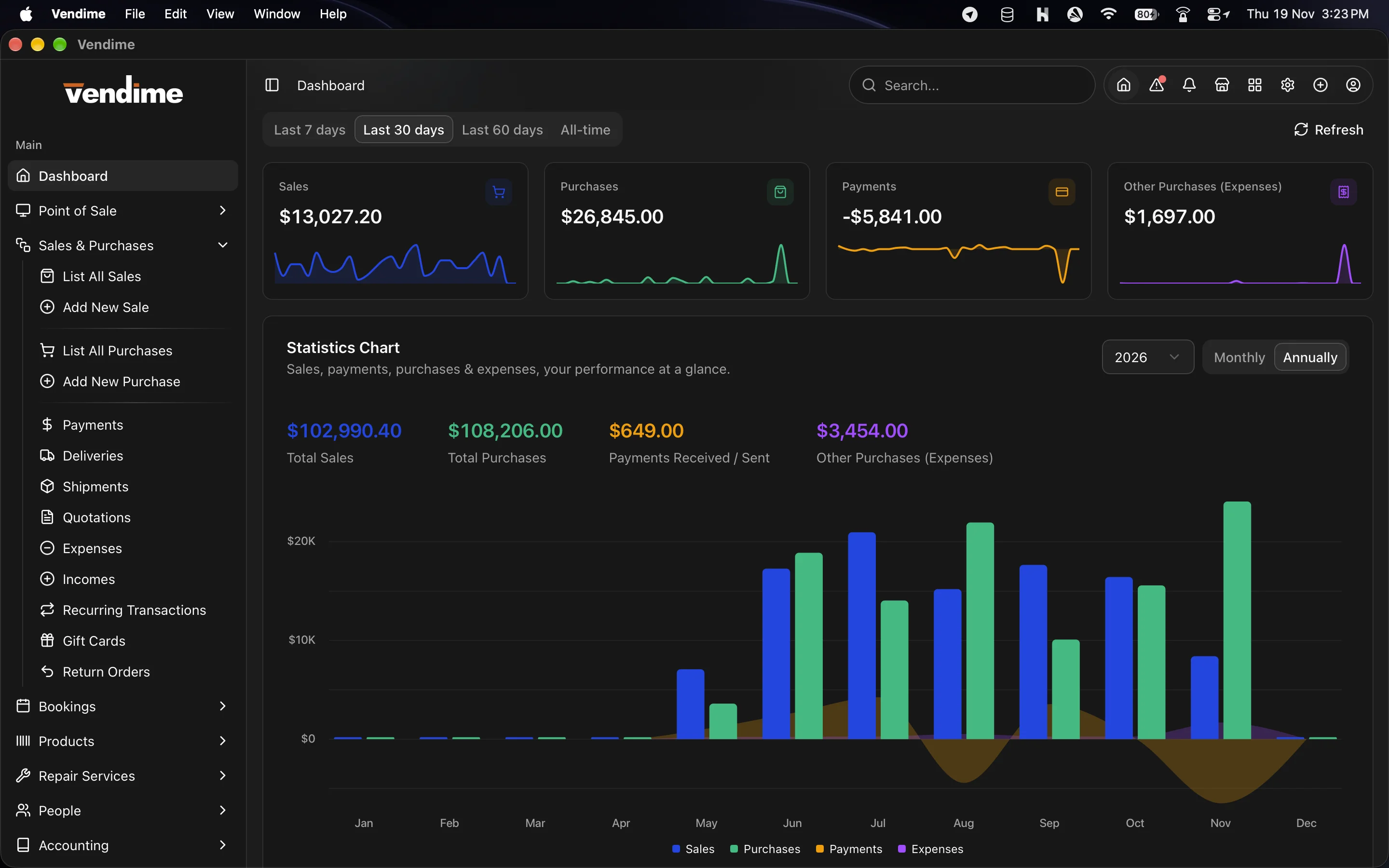
SMA: Desktop POS App for Stock Manager Advance at a glance
- Category:
- Desktop Applications
- Platform:
- Windows, macOS
- Built with:
- Tauri v2, Rust & Vue 3
- Requirements:
- Webview 2
- Latest version:
- v0.2.1
- Price:
- From $24.00
- Last updated:
- Nov 19, 2026, 5:45 PM
- Refunds:
- 30-day money back guarantee
Overview
Windows installer turns your Stock Manager Advance (SMA) server into a real desktop point-of-sale system. Install it on every till, sign in to your SMA server, and your cashiers get a fast, dedicated window that stays out of the browser. They cannot close it by accident, and it does not stop selling when the connection drops.
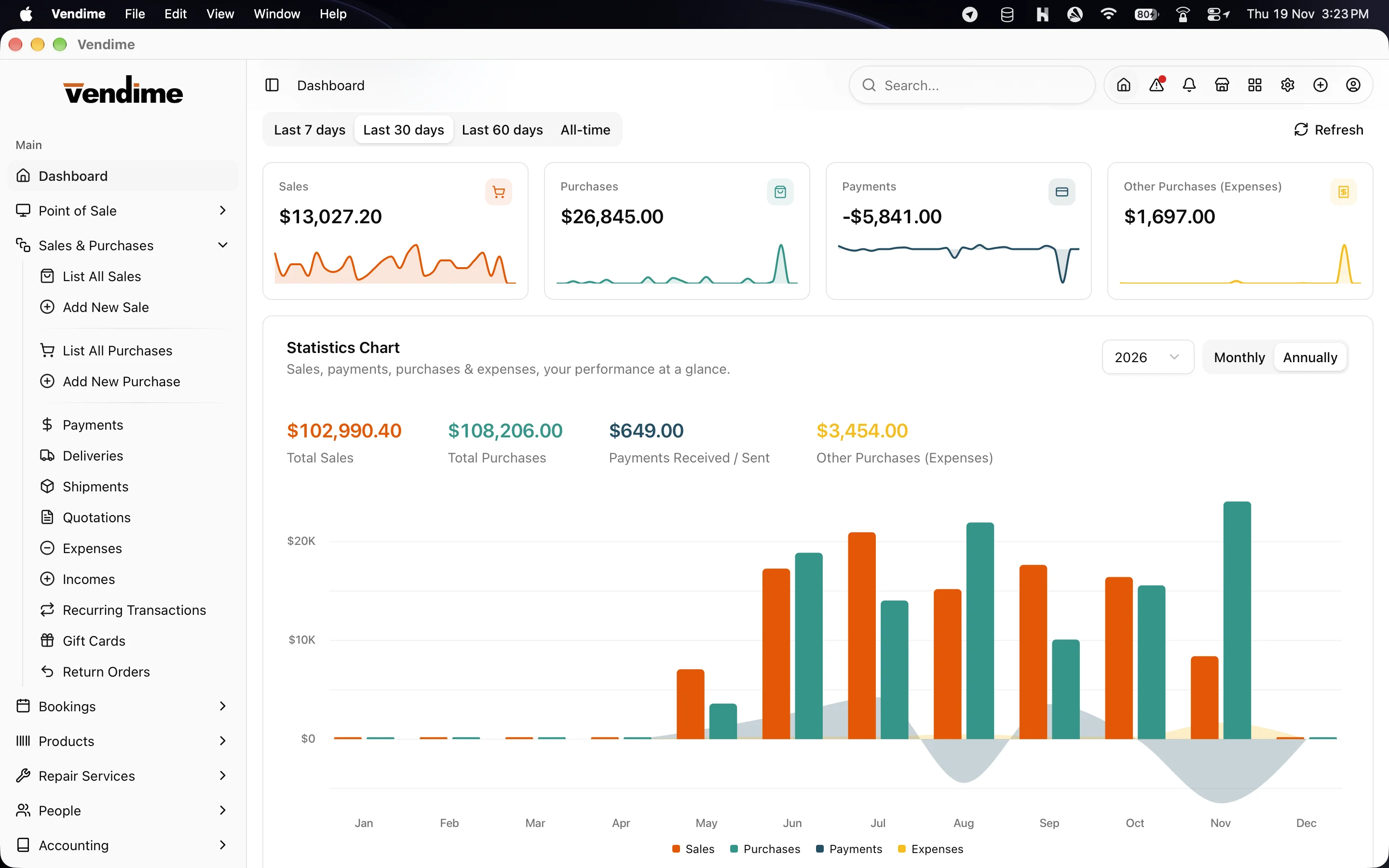
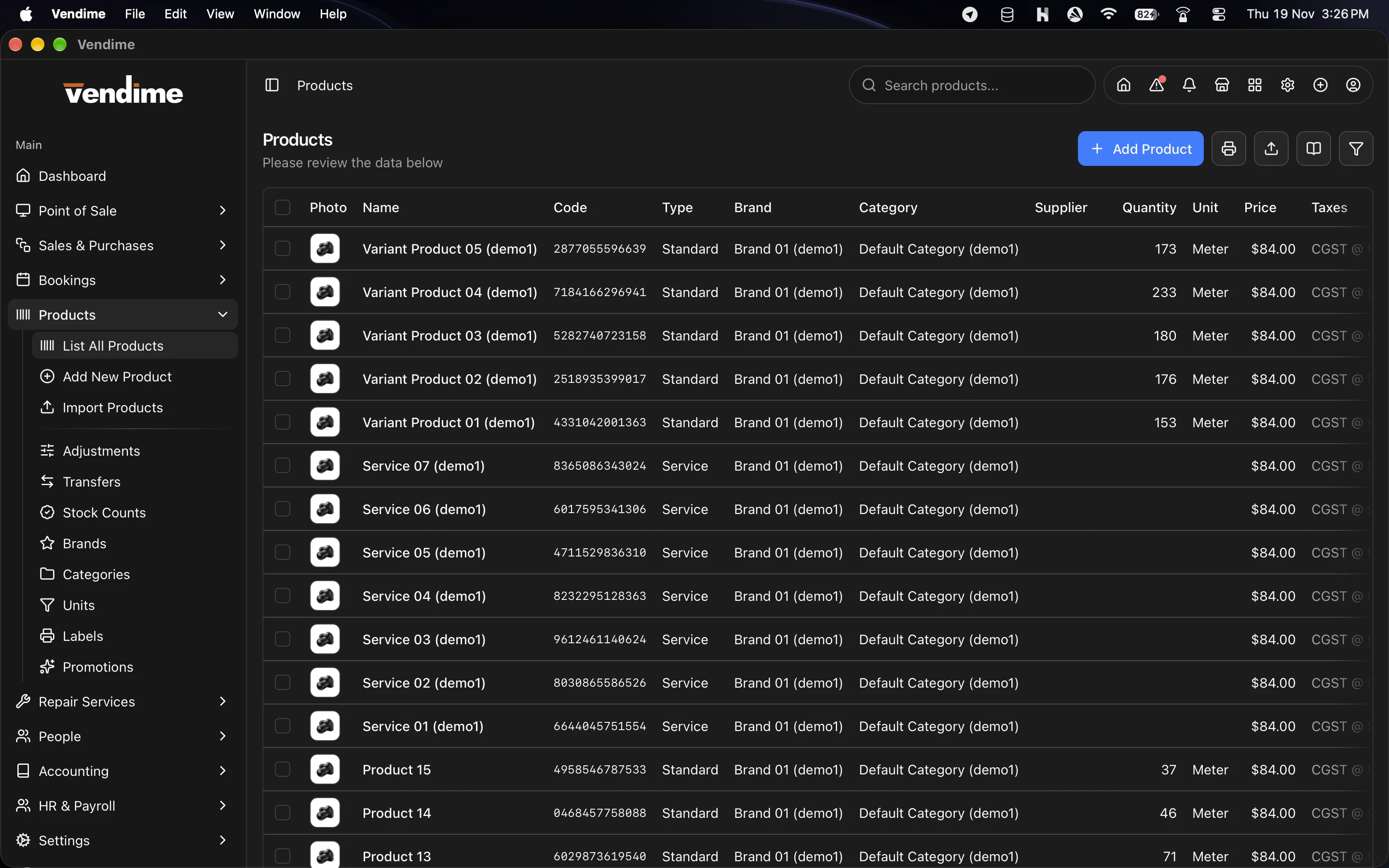
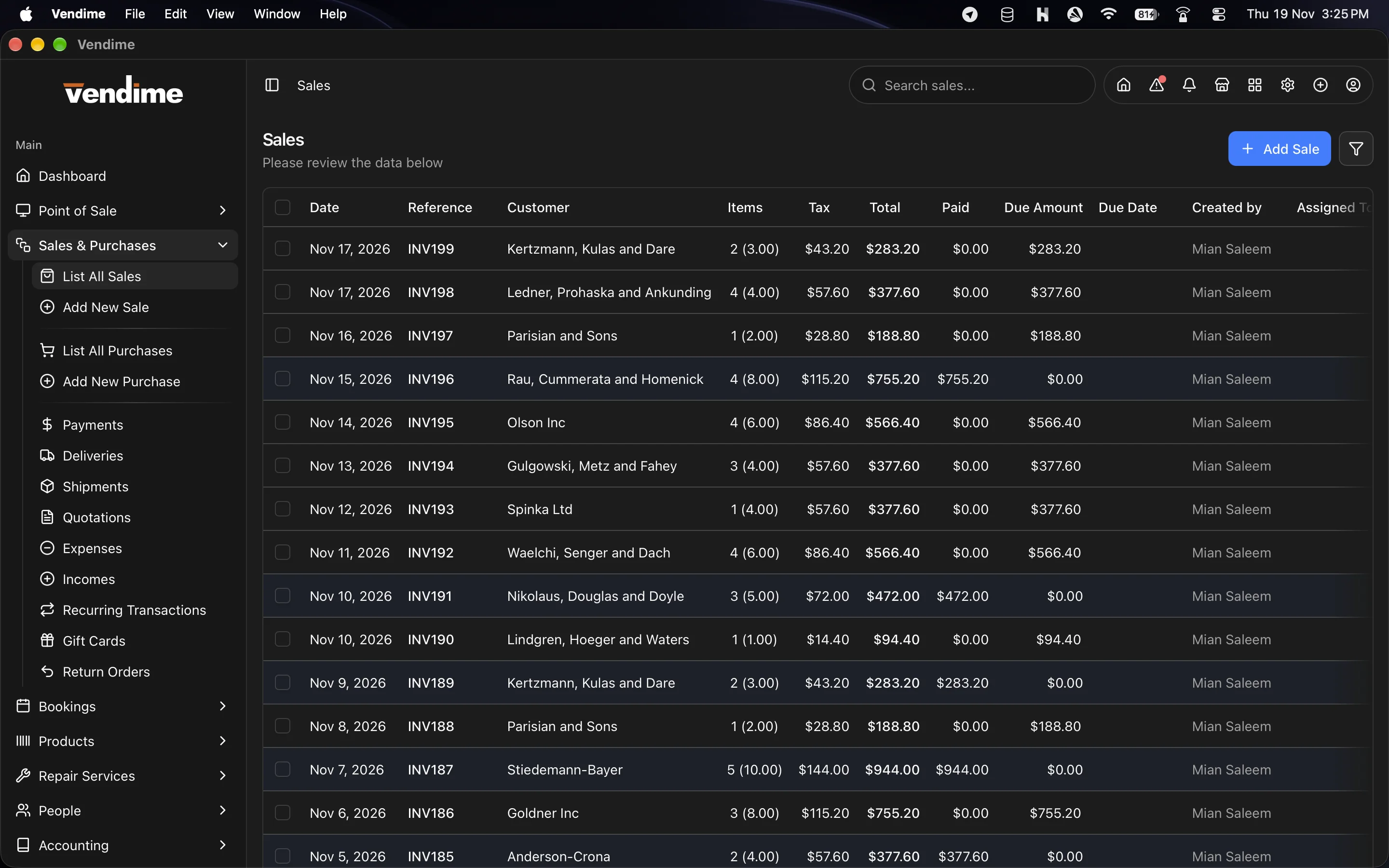
It is not just a till. Windows installer brings the whole of SMA to the desktop: sales and purchases, products and stock, customers and suppliers, accounting, HR and payroll, repairs, bookings and every report. It all runs against the same data your web app uses, so you can add as many computers as you need and they all stay in sync.
Key features
A point of sale built for the counter
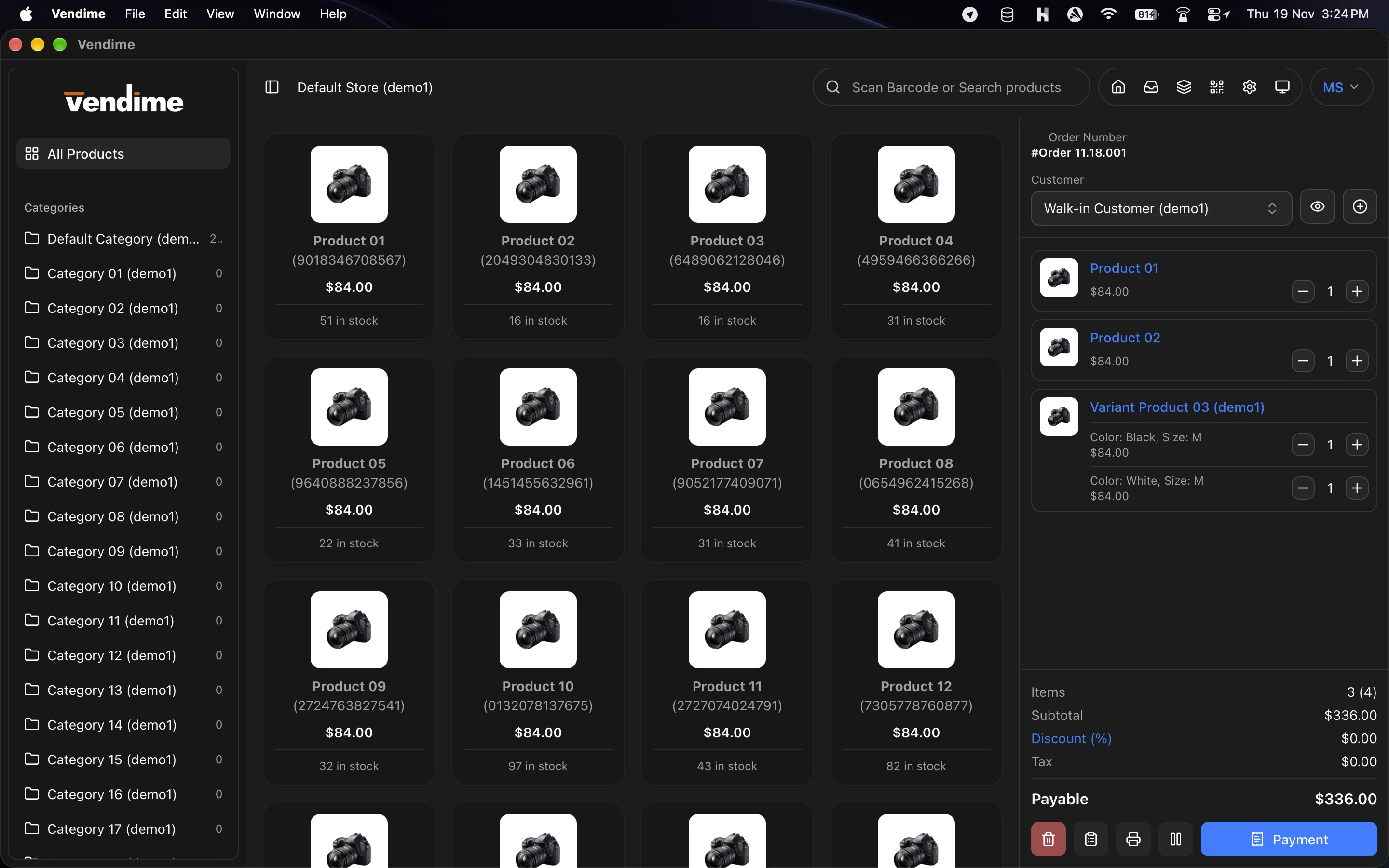
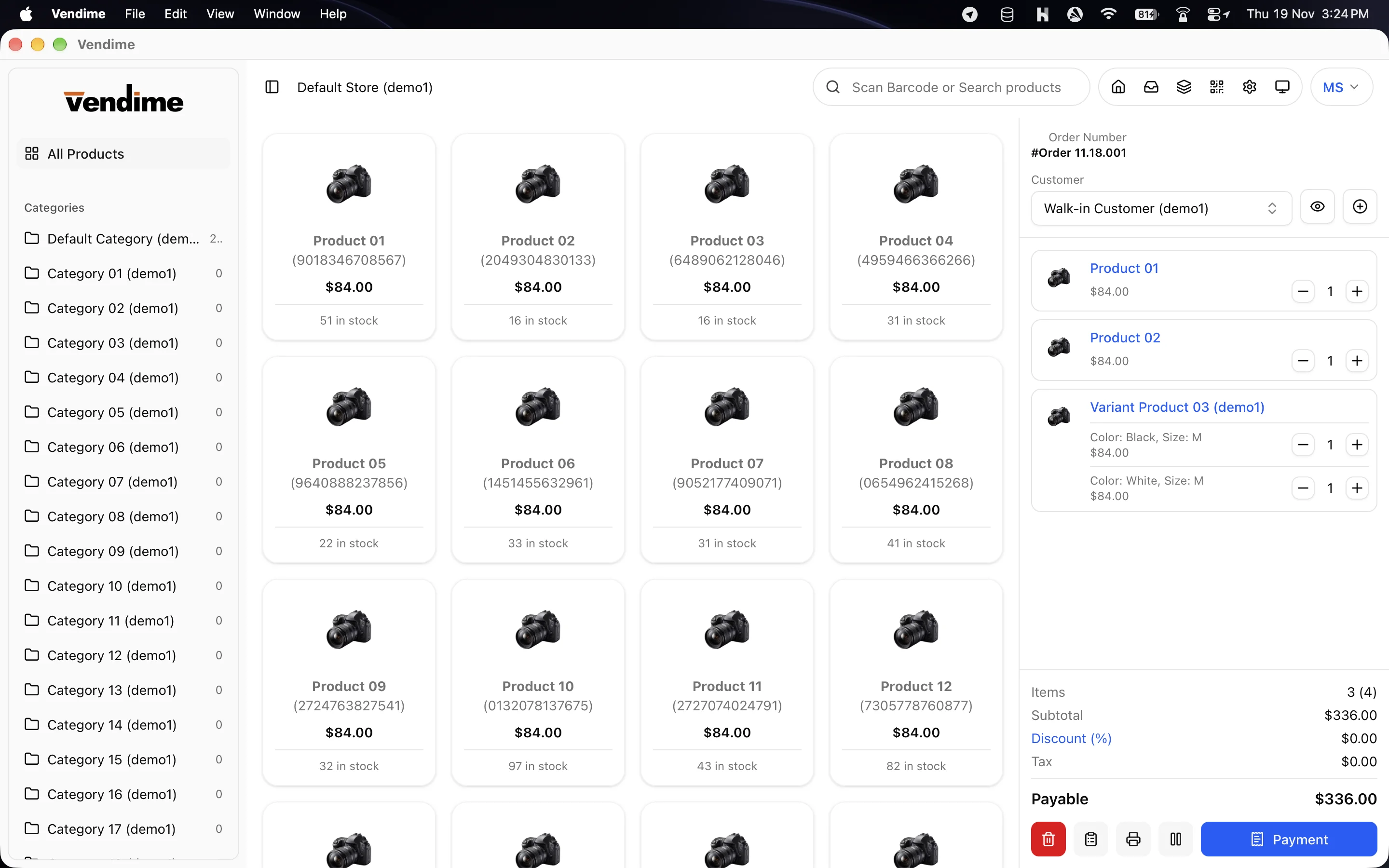
- Add products from a category grid, by name or code search, or with a USB barcode scanner. Stock levels show on every product.
- Choose variations, edit quantities and prices in the cart, and apply order discounts.
- Split one bill across cash, card, gift card and other payment methods. The dialog shows the change to give back.
- Hold orders and resume them later, so the queue keeps moving.
- Open and close the register with a cash float, and get a full end-of-shift summary of cash, card, expenses and purchases.
- A PIN code protects sensitive POS actions.
Keeps selling offline
- When the internet or the server goes down, the POS keeps running on its saved copy of products, categories, taxes and customers.
- While offline you can make sales, hold orders, add customers and open the register.
- Everything syncs on its own once the server is back, in the right order and never twice.
- Anything the server rejects is set aside for review. You can fix it and send it again, so no sale is lost.
Thermal receipt printers, no print dialog
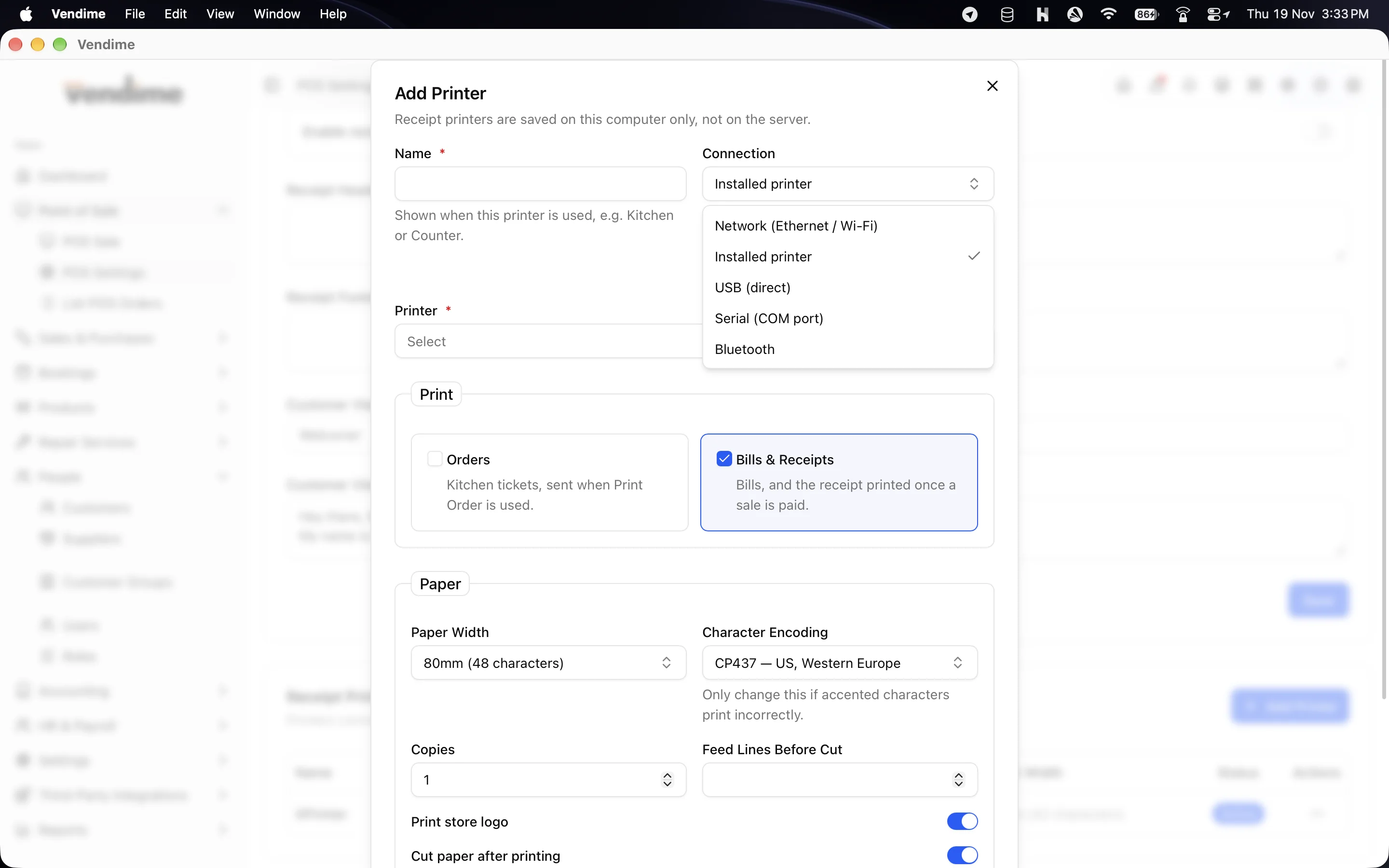
- Prints silently to ESC/POS printers over network, USB, serial, Bluetooth or a system printer.
- Send receipts to the counter printer and kitchen tickets to one or more kitchen printers.
- Test print from settings. If every printer fails, Windows installer falls back to the normal print dialog.
Customer display
- A second window for a customer-facing screen. It shows the cart, totals and your shop's message as you ring up the sale.
- It is display-only: nothing on it can change the order.
Restaurant mode
- Choose a table for each order, or enter a reference for takeaway and delivery.
- Print kitchen orders and customer bills from the cart.
- Manage halls, tables and table reservations.
- Customers can scan a table QR code to place an order, and staff accept it into the cart.
Card terminals
- Send the amount straight to a Stripe Terminal or an iPOS / Dejavoo (SPIn) card terminal from the payment dialog.
The complete back office
| Area | Included |
|---|---|
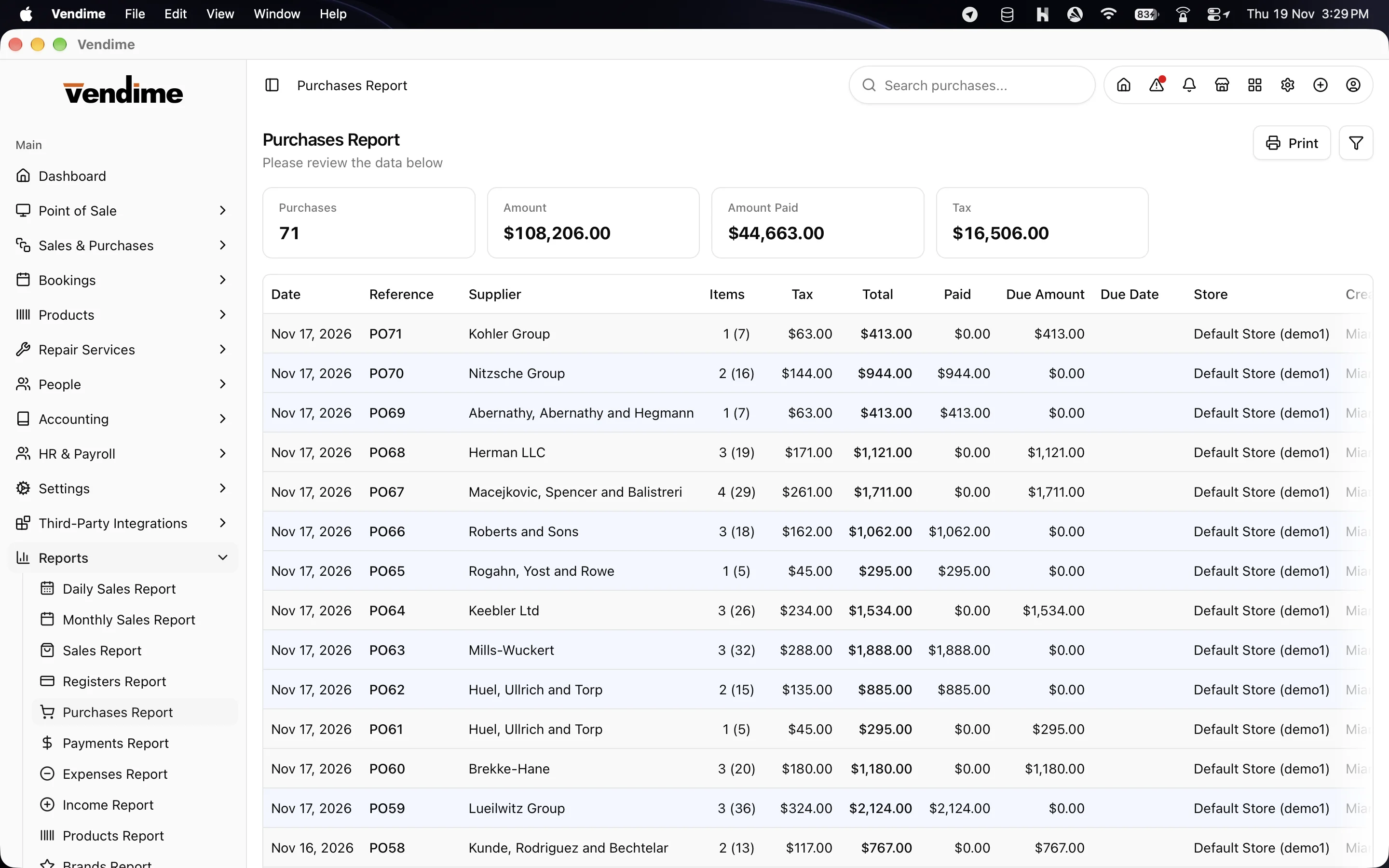
| Sales & Purchases | Sales, purchases, quotations, payments, deliveries, shipments, return orders, expenses, incomes, gift cards and recurring transactions |
| Products & Stock | Products with variations and import, adjustments, store-to-store transfers, stock counts, brands, categories, units, promotions, barcode labels and PDF catalogs |
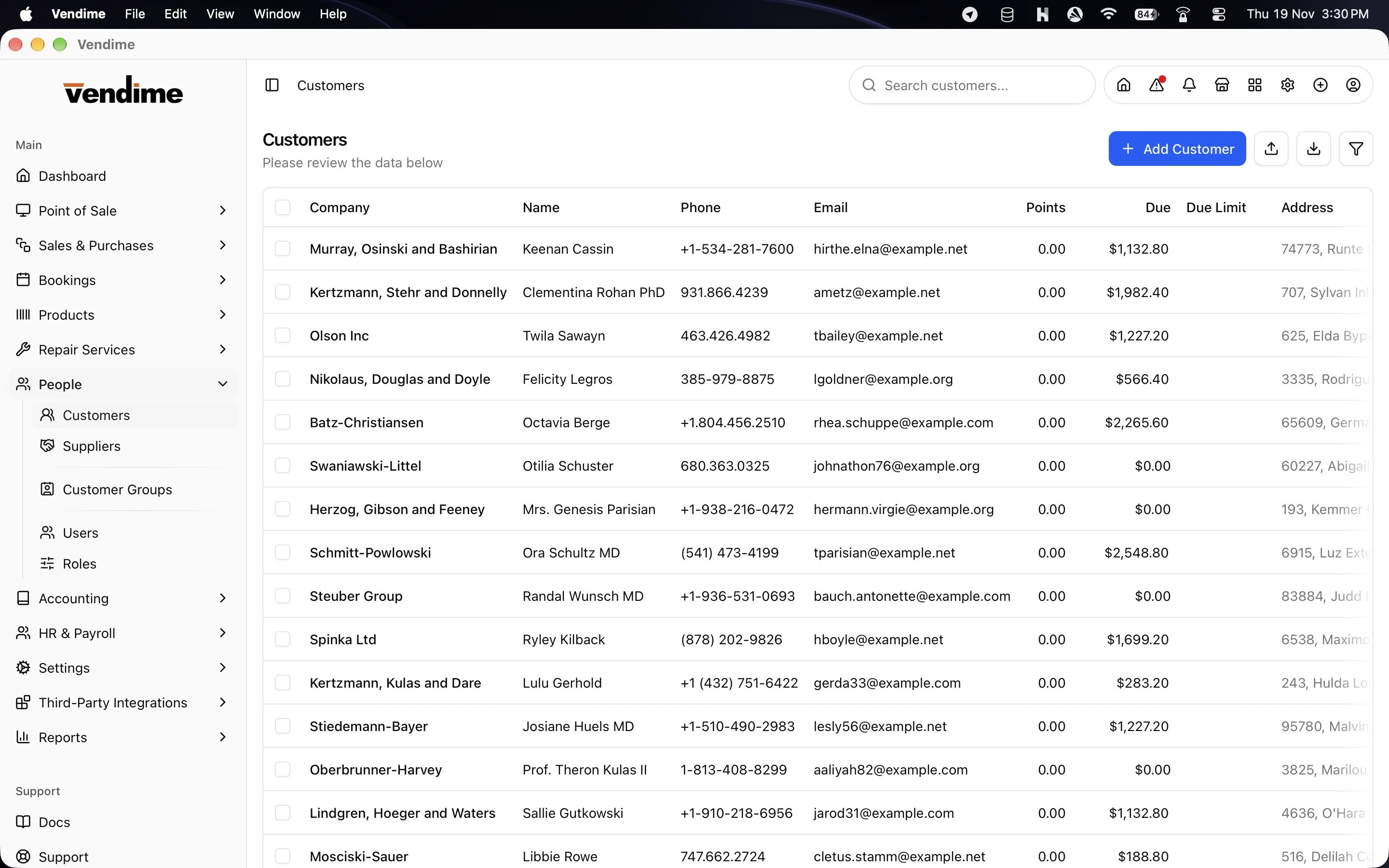
| People | Customers, customer groups, suppliers, users and roles, plus printable customer and supplier statements |
| Accounting | Accounts and account statements, account types, transfers, transactions, and fixed assets with allocations and maintenance |
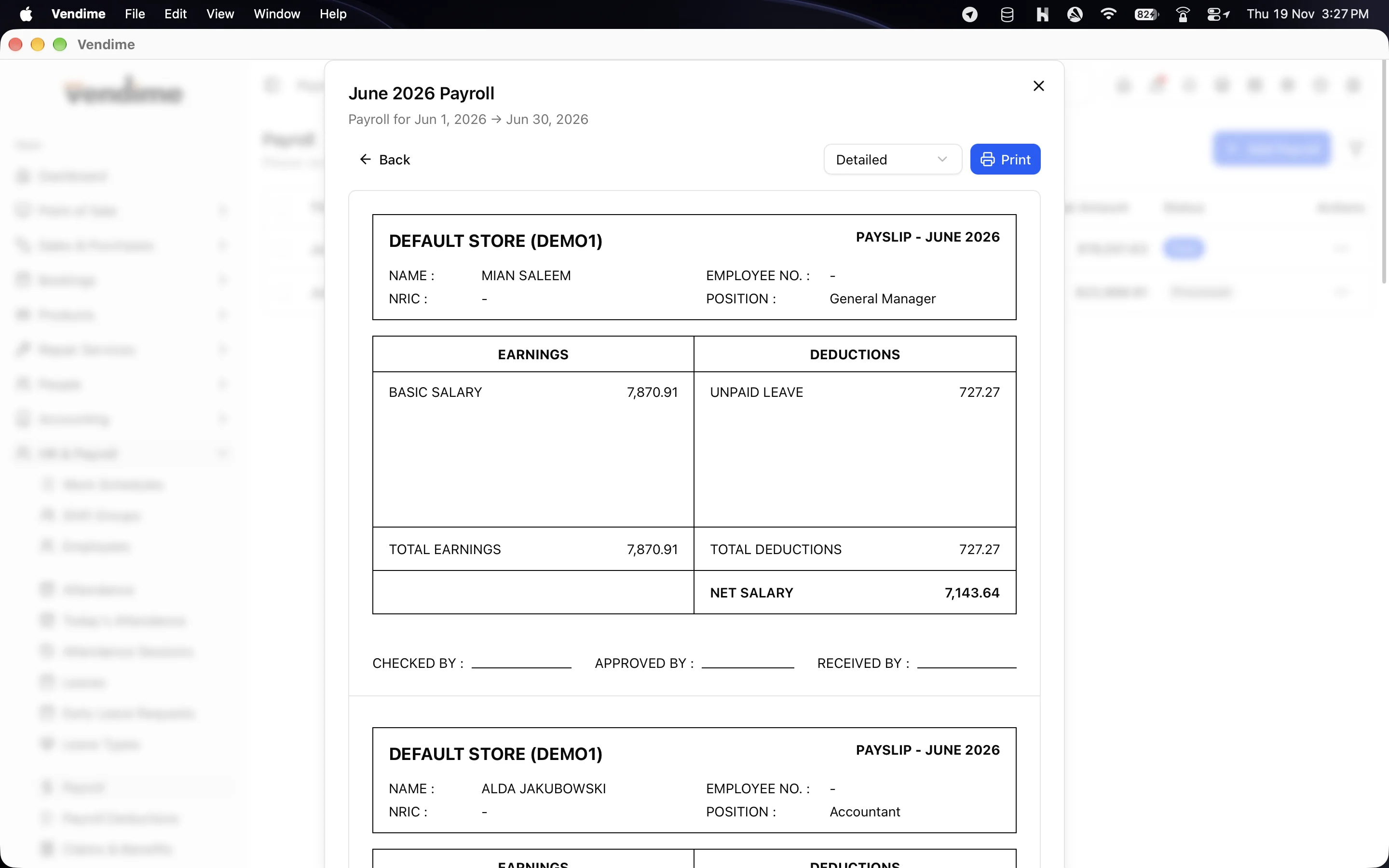
| HR & Payroll | Employees, work schedules, shift groups, attendance, leaves, early-leave requests, payroll, deductions, payslips, and claims & benefits |
| Repairs | Repair orders, technicians and service types |
| Bookings | Bookings list, calendar and booking staff |
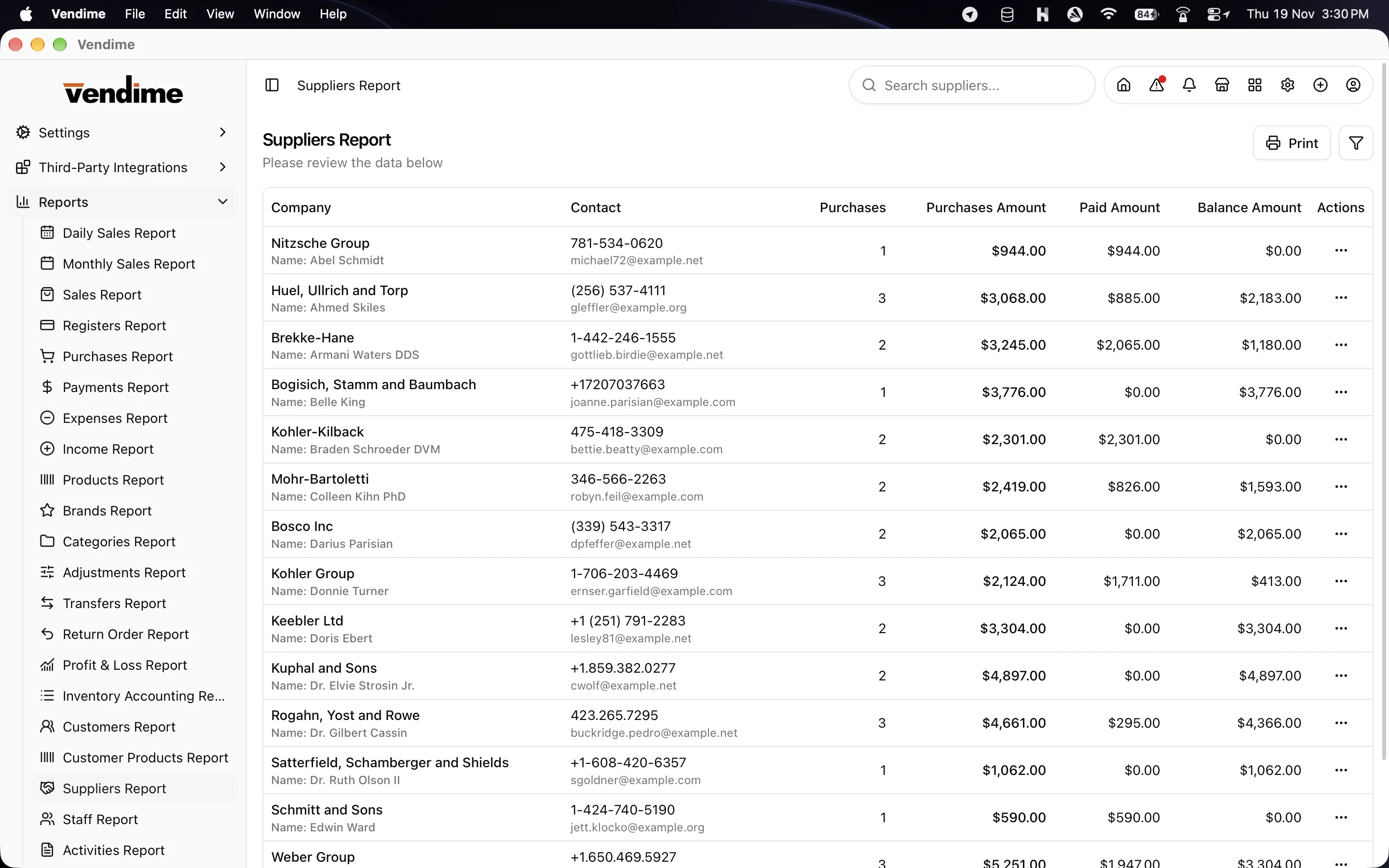
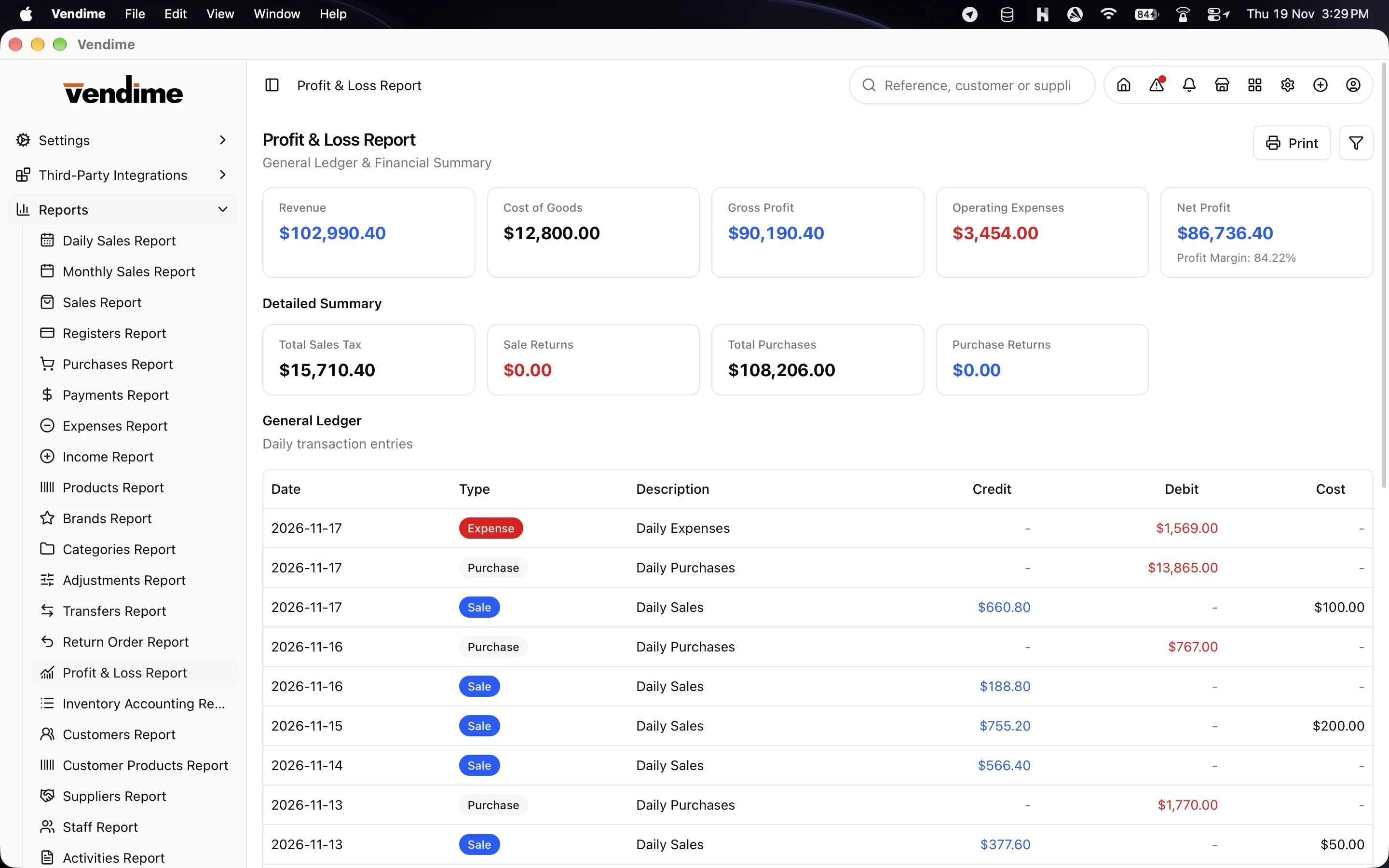
| Reports | 20+ reports, all filterable and printable: daily and monthly sales, sales, registers, purchases, payments, expenses, income, products, brands, categories, adjustments, transfers, returns, profit & loss, inventory, customers, suppliers, staff and activity log |
Attendance and clock-in kiosk
- Staff clock in and out from the dashboard. Depending on your settings, this can take a photo, record the location or ask for a PIN.
- Today's Attendance shows who is present, late, absent or on leave.
- Turn any computer at the entrance into a full-screen clock-in kiosk.
Multi-store
- Each computer picks the store it works in. Lists can still be browsed across every store.
- Store-to-store transfers and per-store stock come straight from SMA.
Integrations
When the module is installed on your SMA server, Windows installer adds its screens:
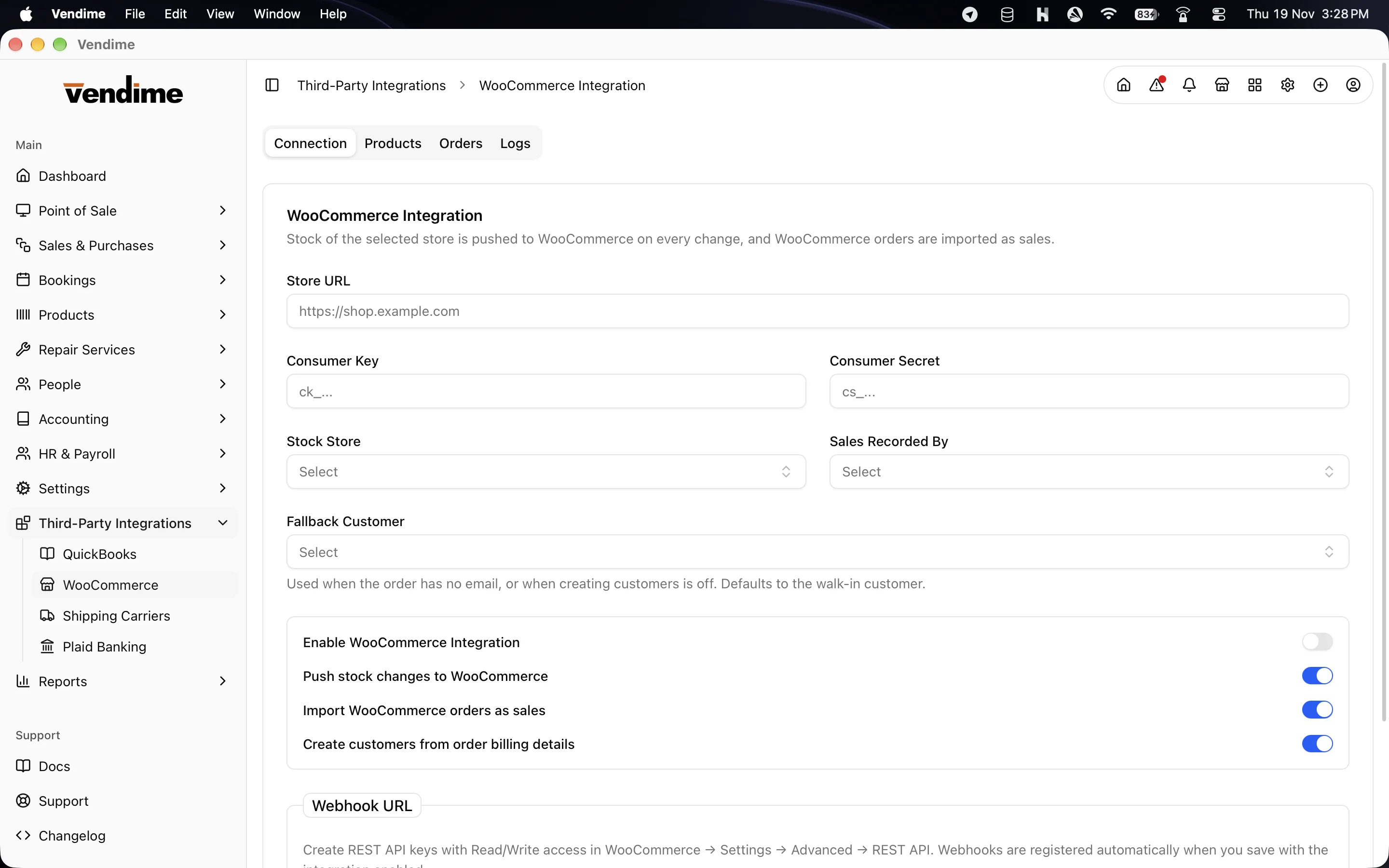
- WooCommerce: sync your online store.
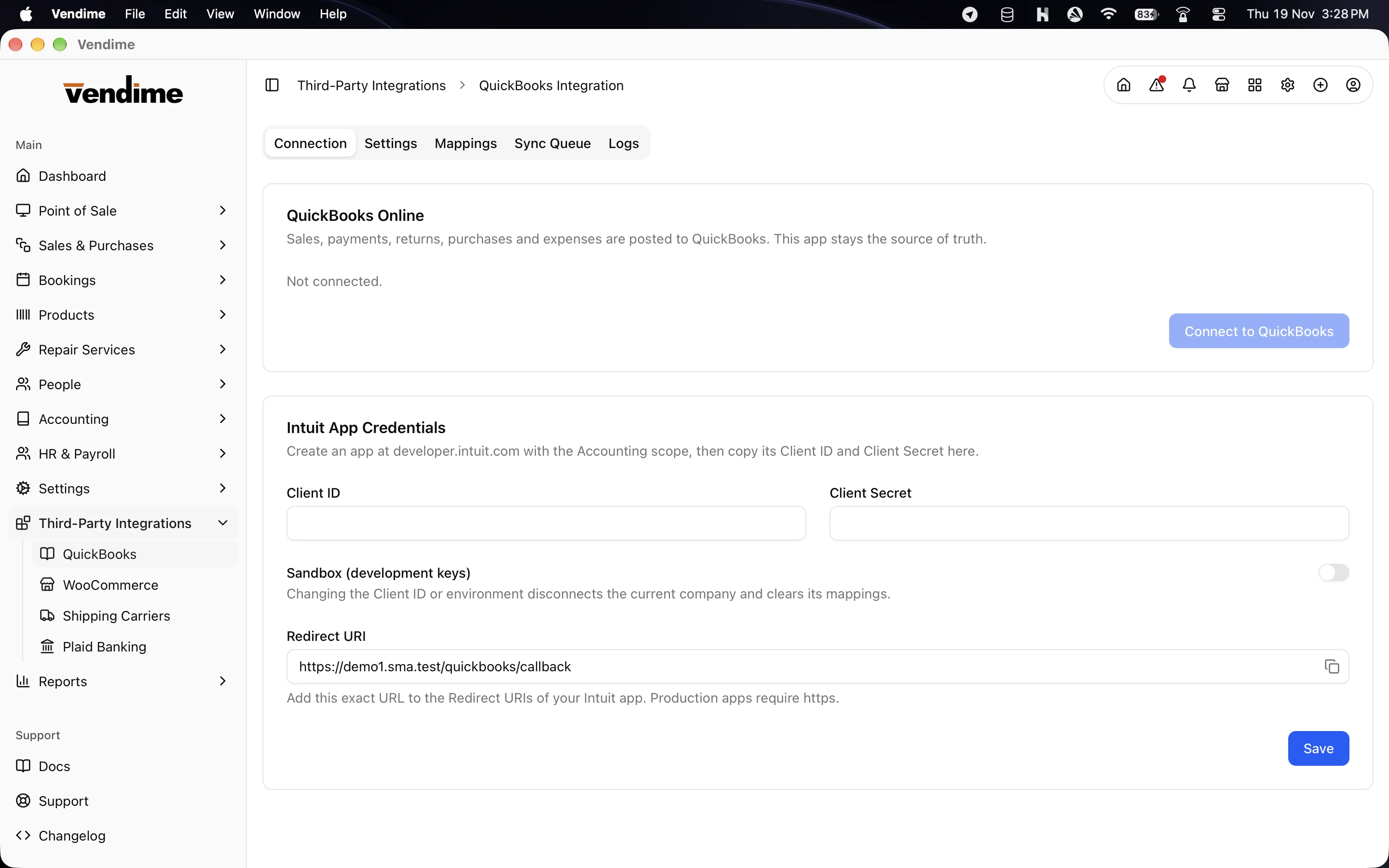
- QuickBooks: accounting sync.
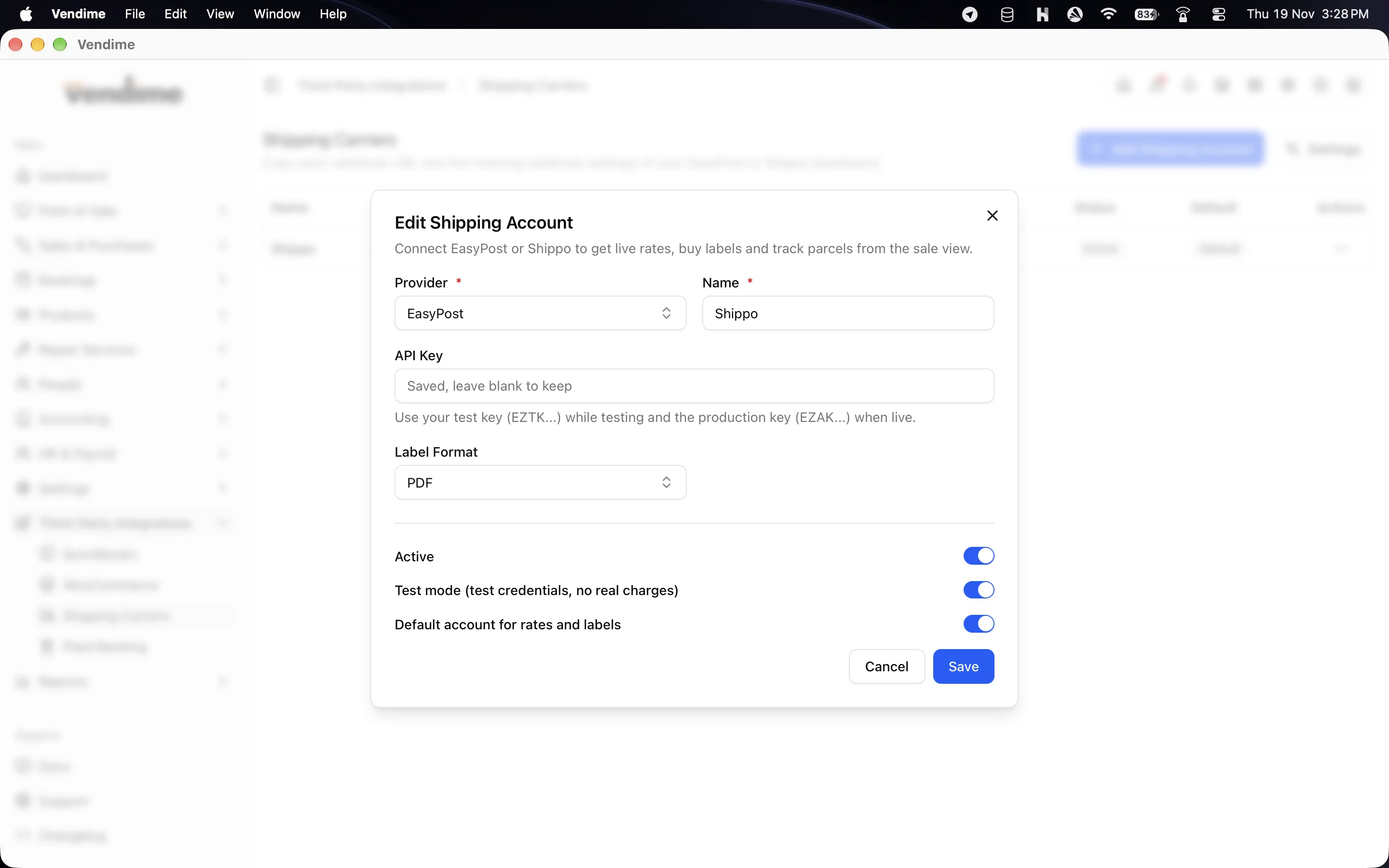
- Shipping: carriers, multi-parcel labels and shipment tracking from the sale screen.
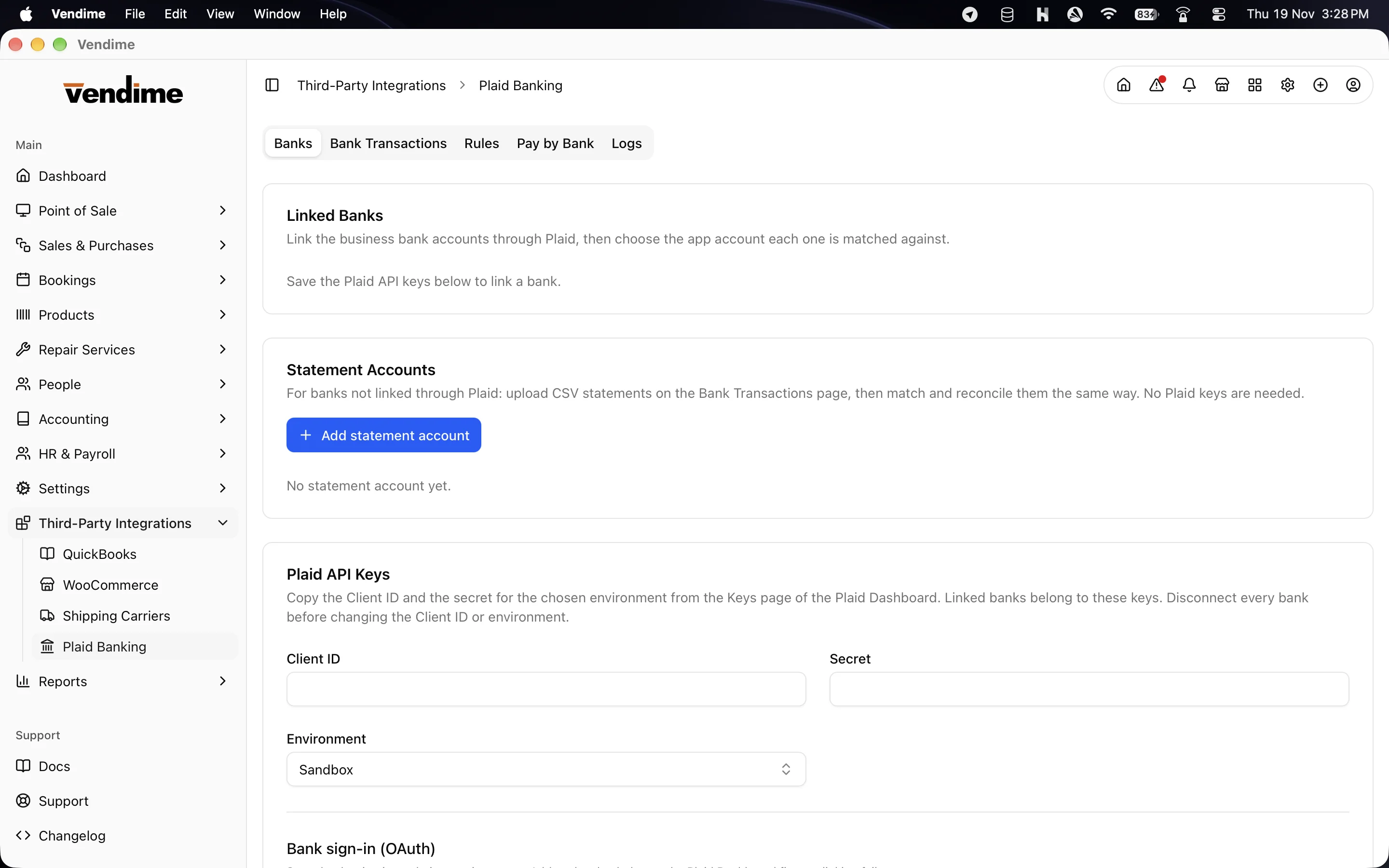
- Plaid: bank accounts, bank transactions with reconciliation, and income verification. Bank statement CSV import works without Plaid keys.
Polished everyday details
- Order documents use the same templates as SMA, with optional item numbers, reference barcodes and QR codes.
- Print or export any document, report or statement to PDF.
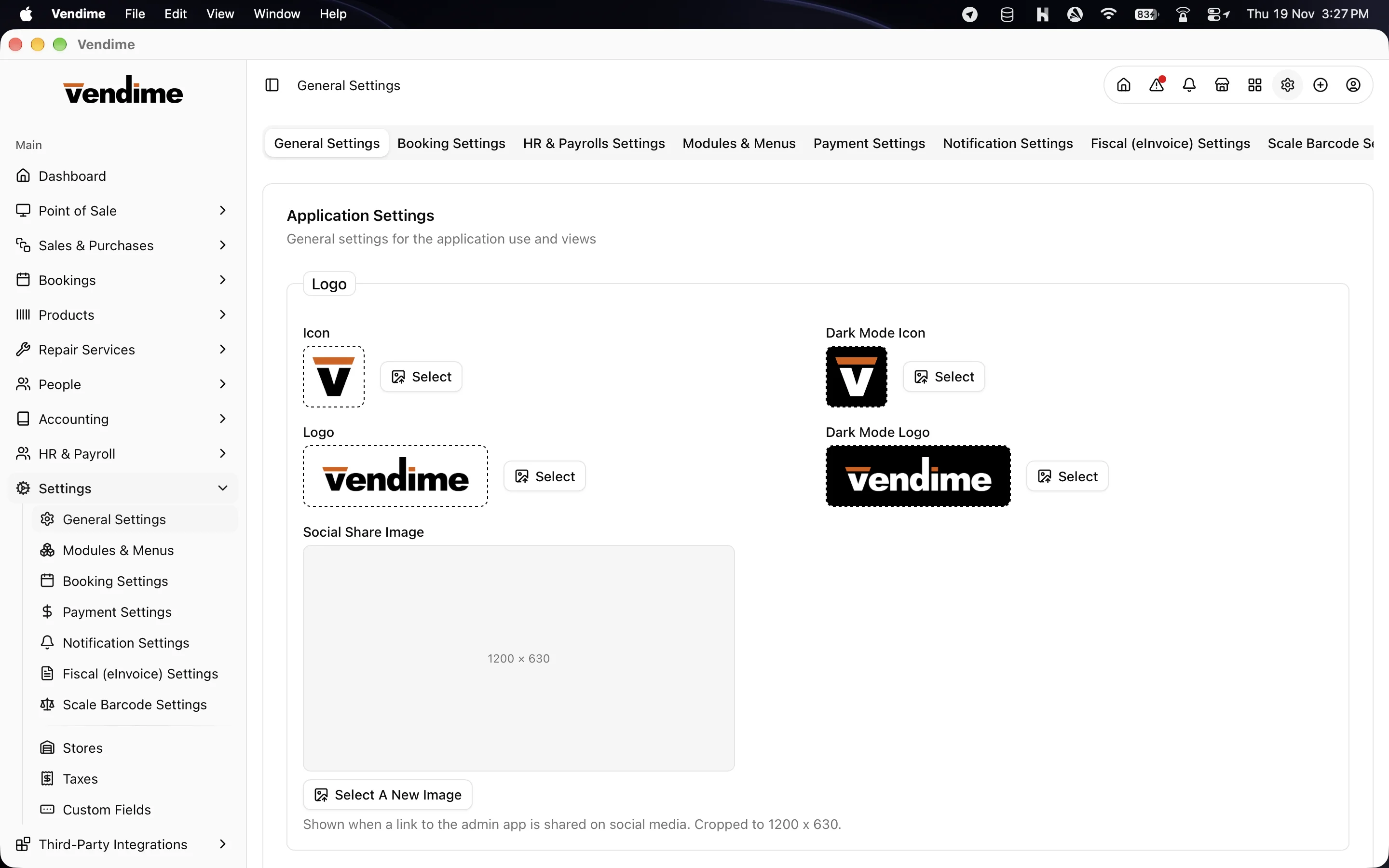
- Light, dark or system appearance.
- Every language your SMA server has, with full right-to-left layout for Arabic and other RTL languages.
- Notifications, plus alerts for low stock and overdue payments.
- Permissions follow SMA roles, so a cashier can be limited to the POS.
- Sidebar modules and menus follow your SMA Modules & Menus settings.
- Automatic updates that never install unprompted, so a till is never restarted mid-sale.
Security
- Sign-in credentials are kept in the operating system's credential store (Windows Credential Manager, macOS Keychain), never in a plain file.
- Offline data is kept separately for each server and user, so a shared computer never mixes up accounts.
- Every update is signed, and the app only installs updates signed by Tecdiary.
Requirements
- Stock Manager Advance 4..0.0-rc.12 on your own server, with the Api module installed.
- Windows 10 or 11 (64-bit).
- A screen of at least 1024 × 768.
- An internet or network connection to your SMA server. The POS keeps selling through outages.
- Optional: ESC/POS receipt printer, USB barcode scanner, second monitor for the customer display, Stripe Terminal or iPOS/Dejavoo card terminal.
- Optional server modules: WooCommerce, QuickBooks, Shipping, Plaid.
Frequently asked questions
Do I need Stock Manager Advance?
Yes. Windows Installer is a desktop app for SMA, and it uses your SMA server's data. If
you don't have a server, a hosted vendime.com workspace needs no license.
Does it replace the SMA web app?
No. They work side by side on the same data. Use windows installer on your tills and office PCs, and the web app anywhere else.
What happens if the internet goes down?
The POS keeps selling. Sales, held orders, new customers and register openings are saved on the computer and sync automatically when the server can be reached again. Back-office screens you have opened still show their last data, read-only. Reports need a connection.
Which receipt printers work?
Any ESC/POS thermal printer, connected over network (port 9100), USB (with or without a driver), serial/COM, or Bluetooth. Without a configured printer, windows installer uses the normal print dialog.
Can I use it in a restaurant?
Yes. Turn on restaurant mode in POS Settings for tables, halls, reservations, kitchen tickets, bills and table QR ordering.
How many computers can I connect?
As per your license.
Can I move a license to a new computer?
Yes, you can reset the license installation on your orders page and activate on new machine.
How do updates work?
Windows installer checks for updates on start-up and every six hours. It tells you when one is ready and installs only when you choose to. Your sign-in, settings and printers are kept.